
Video
CurrentText, image, first-last frame, reference and extension workflows for short-form motion.
SeedanceVeoKlingSora
Current image and video models · one balance
Generate images and short-form video with a task-first workflow. Choose the intent, keep the cost visible, and iterate from one creative canvas.
Create an account, buy credits, and see the cost before every run.
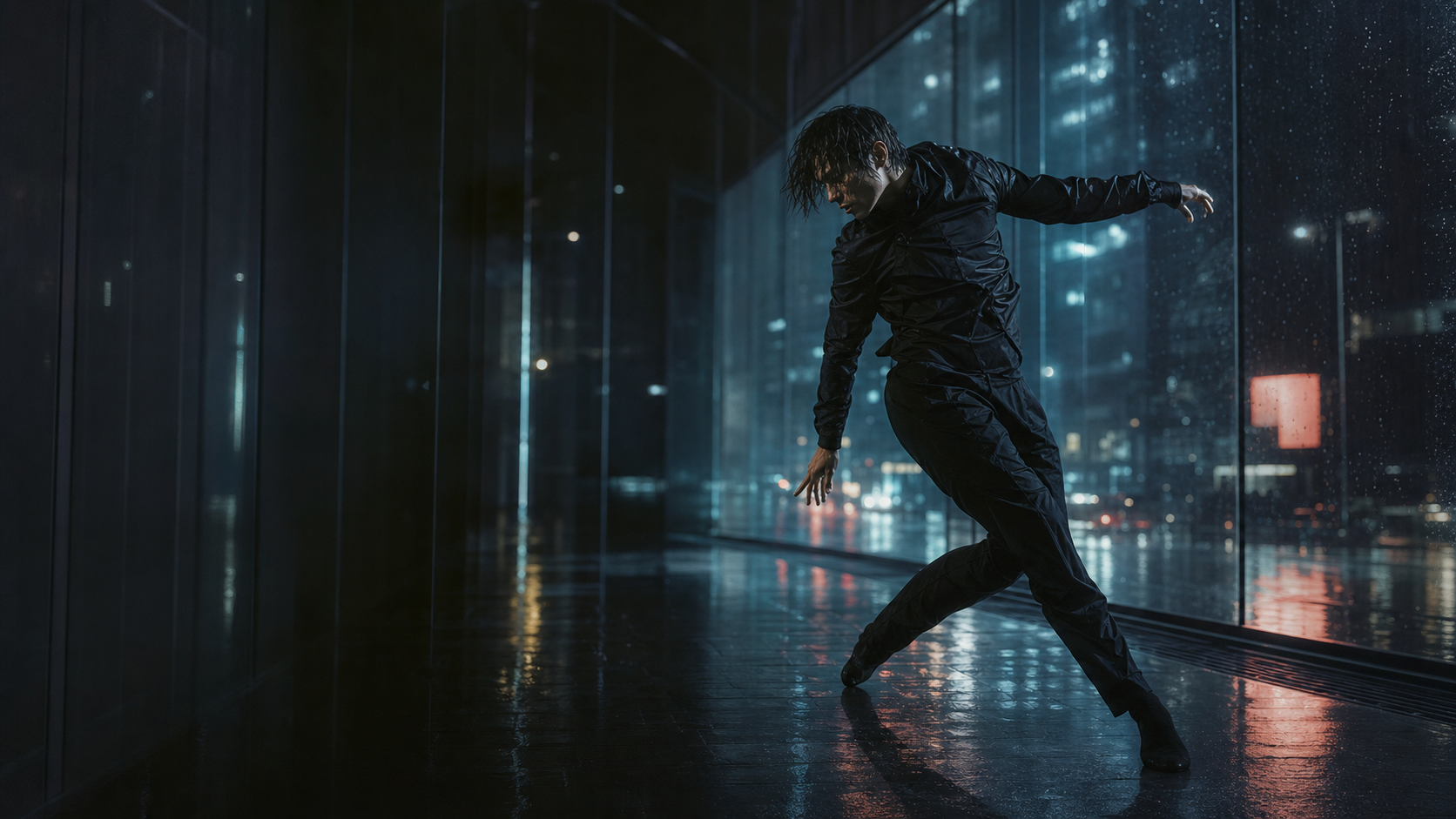
A dancer moves through rain-soaked city glass, neon reflections, slow motion, 35mm film look.
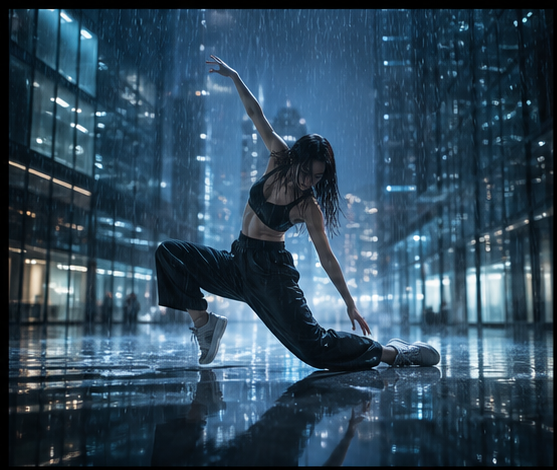
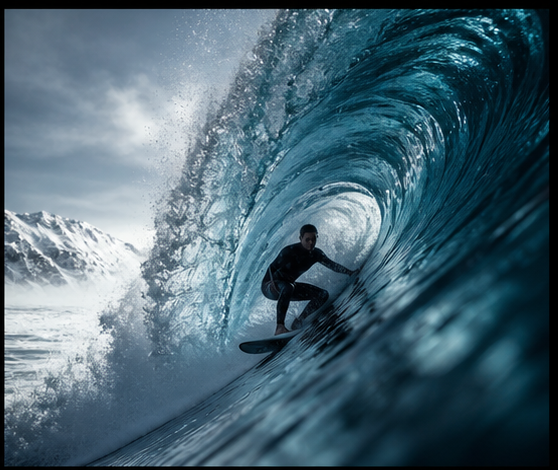
Video, stills, and product shots, each one generated in the studio and captioned with the engine behind it.
Browse the catalogue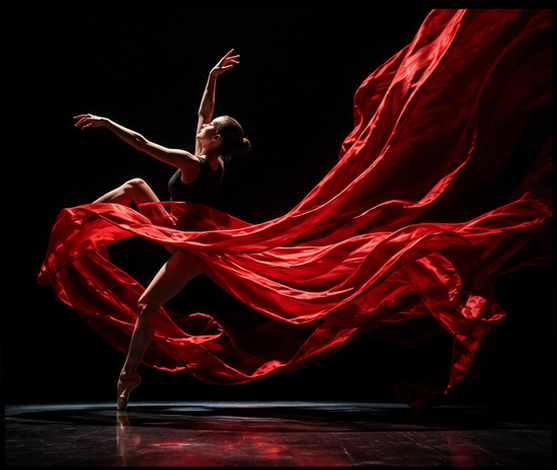
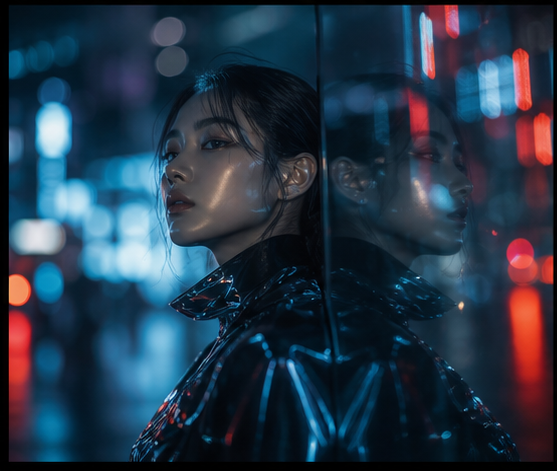
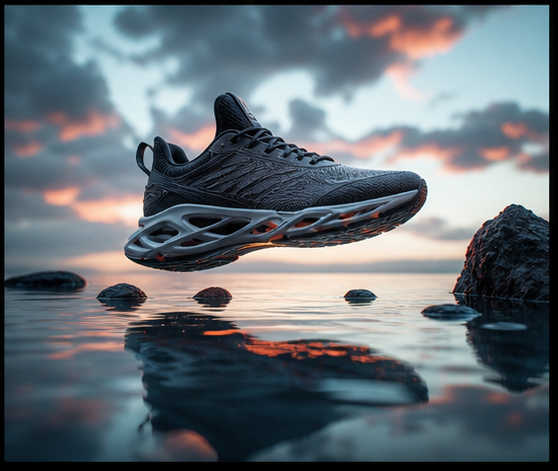
Start with the work, then choose the current image or video model that fits it. One balance covers every supported engine.
Bring a prompt, a reference image, or the beginning and end of a sequence. The studio adapts the controls to the job.
Text, image, first-last frame, reference and extension workflows for short-form motion.
Generate and edit stills with reference images and intentional controls attached.
The same account covers image and video work, from the first reference to the final take.
Describe the shot, choose the engine, compare the outputs, and keep moving.
Start with the frame you want. Add a reference image when the shot needs more direction.
Pick the model for the job and keep the cost visible before the render starts.
Keep the version with the right motion, lighting, product detail, or face.
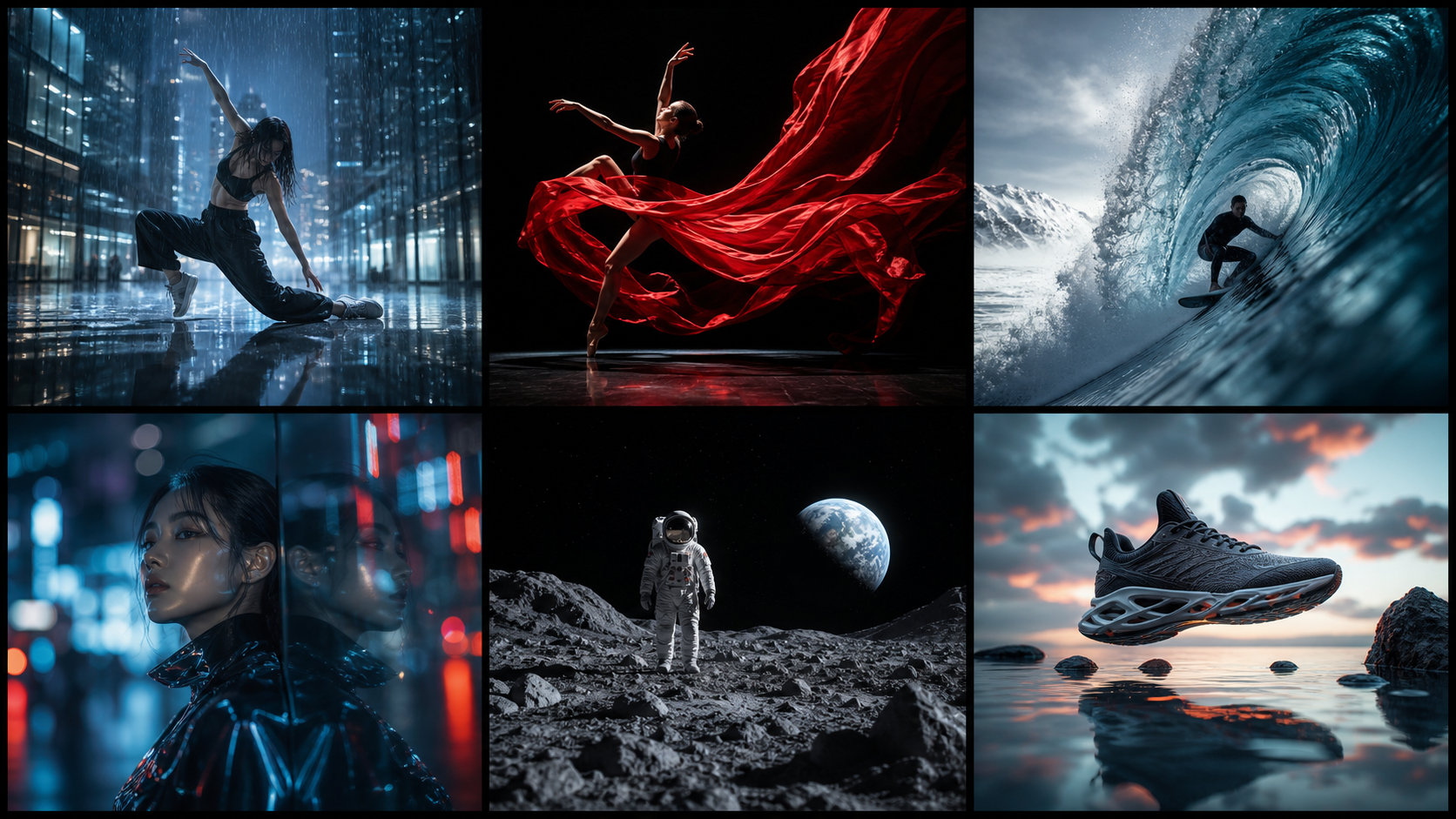
One balance covers every studio. Subscribe or top up, and model prices stay visible before you spend.
320 credits / month
1,000 credits / month
2,400 credits / month
Top-up packs stack on any plan and never expire. Buy credits whenever you need another run.
$30 400 credits$75 1,050 credits$150 2,200 creditsVdance focuses on image and video generation: create a still from a prompt, edit with a reference, or direct a short video from text or a starting frame.
Credits are purchased before generation. The studio shows the cost for the selected model and settings before you run a job.
Start from the shape of the work. Use Image for stills and edits; use Video for text-to-video, image-to-video, or first-and-last-frame shots.
Yes. Bring reference images into the image or video studio when you want to guide composition, product detail, or visual direction.
Create an account, buy credits, pick the model that fits the shot, and see what Vdance does with your next idea.